
Registering a domain takes about three minutes once you know what you're doing. The hard part is picking a name that's still available, won't lock you into a bad TLD, and won't get you stuck with a registrar charging ₹1,800/year at renewal. Here's the full playbook.
Step 1 — Pick your name (the 30-minute part)
Spend more time here than anywhere else. A bad name is forever; a slow checkout takes 60 seconds.
Rules:
- Letters, digits, hyphens only — no spaces, no special chars, no emoji (technically possible, in practice a disaster)
- Max 63 characters per label — but anything over 20 is hard to remember
- No leading or trailing hyphens — registries reject them
- Avoid numbers spelled out vs digits — "fourcorners" vs "4corners" both land — but pick one and stick with it
- Check trademark databases — at minimum google "your-name + trademark"; for serious projects, check USPTO or your local equivalent
- Say it out loud — if you can't dictate it cleanly to someone over the phone, the name is wrong
Step 2 — Pick your TLD
For most projects: .com. If .com is taken with your perfect SLD, your options:
- A different SLD with .com (
getacme.com,hello-acme.com,acmehq.com) - Same SLD with a different TLD (
acme.org,acme.net,acme.us,acme.io) - A meaningful prefix/suffix (
acmeapp.com,useacme.com)
Order of preference: better SLD with .com > exact-match SLD with .org/.net > exact-match with .io/.dev. Read the full TLD decision tree.
Step 3 — Search availability
Search at REXO HOST — type your name once and we check across all extensions in real time. Most registrars show only .com on the search page and require clicks for the rest; we display all of them with prices side-by-side.
If your first choice is taken, you'll see "unavailable" plus alternative spellings auto-suggested.
Step 4 — Decide before you buy
Before clicking checkout, decide:
- Where you'll host the site (so you can point nameservers correctly)
- Whether you need email at the same domain (Google Workspace / Zoho — set up separately)
- Number of years to register — 1 year is fine to start; multi-year locks in today's price against future hikes
- Whether to enable WHOIS privacy — yes, always (it's free at REXO HOST)
Step 5 — Checkout (the 60-second part)
Walk through these screens in order:
- Cart — confirm domains + price. The total here is the total — no surprise GST line, no gateway fee added on the next page.
- Address — your billing address (will be used for invoice; NOT made public via WHOIS if privacy is on)
- Nameservers — where the domain will point. Use Cloudflare's nameservers (
amber.ns.cloudflare.com+kai.ns.cloudflare.com) if you want CDN/DDoS protection later — they're free and best-in-class. Otherwise enter your hosting provider's nameservers, or leave default and update later. - Payment — Razorpay handles UPI / cards / netbanking. The amount displayed is exactly what gets charged.
Step 6 — What to skip at checkout
Every registrar adds upsells. Reject all of them:
- ❌ "Premium DNS" — your registrar's free DNS is fine; Cloudflare's free DNS is best
- ❌ "Email forwarding" — Cloudflare Email Routing does this free
- ❌ "Web hosting starter pack" — buy hosting separately when you actually need it
- ❌ "SSL certificate" — Let's Encrypt + your hosting/CDN gives you SSL free
- ❌ "Domain protection" / "Privacy Plus" — WHOIS privacy is enough
- ❌ "Extended validation" — meaningless for non-banking sites
- ❌ "Auto-renewal" — opt out; we don't even offer it
Step 7 — Post-registration
Within minutes of payment:
- Confirm in your dashboard that the domain is in your account
- Verify nameservers — login → My Domains → click your domain → check nameserver field
- Wait for propagation — DNS changes take up to 24 hours, usually under an hour
- Set up your hosting — point its A/CNAME records or use the nameservers approach
Common gotchas
"Why isn't my domain working immediately?"
DNS propagation takes time (usually < 1 hour, can be 24). Use whatsmydns.net to check status from multiple regions.
"My credit card was declined."
Razorpay sometimes flags new transactions. Try UPI or netbanking instead — they have ~99.5% success rate vs ~92% for cards.
"The domain I wanted just got registered."
Domain race conditions are real but rare. We refund automatically (as account credit) if the registration fails because someone else got there first.
"Can I change my mind after I buy?"
ICANN allows a 5-day grace deletion window for most TLDs. Email us within 5 days for a full refund. After that you own it for the year.
Frequently asked questions
Do I need a website to register a domain?
No. You can register a domain and leave it parked indefinitely. Pay the annual renewal, never build the site — totally normal for brand defense.
How do I know if a name is trademarked?
Search the trademark databases for the country you'll operate in. In the US: USPTO TESS. India: IP India. Trademark conflicts are most common for descriptive names (e.g. "BestPizza"); unique invented names are usually safe.
What happens if I don't renew on time?
The domain enters "redemption" — you can recover it for a higher fee (~₹4,000-₹8,000) within 30 days. After 75 total days, it goes back to public availability and anyone can register it. Full timeline here.
Ready?
Start a search at REXO HOST — no signup required to check availability. Honest fixed pricing, free WHOIS privacy, no auto-renew.
Keep reading

What is an SSL Certificate (And Do You Need One)?
Plain-English guide to HTTPS, SSL/TLS certificates, and why every site in 2026 needs one — usually for free.
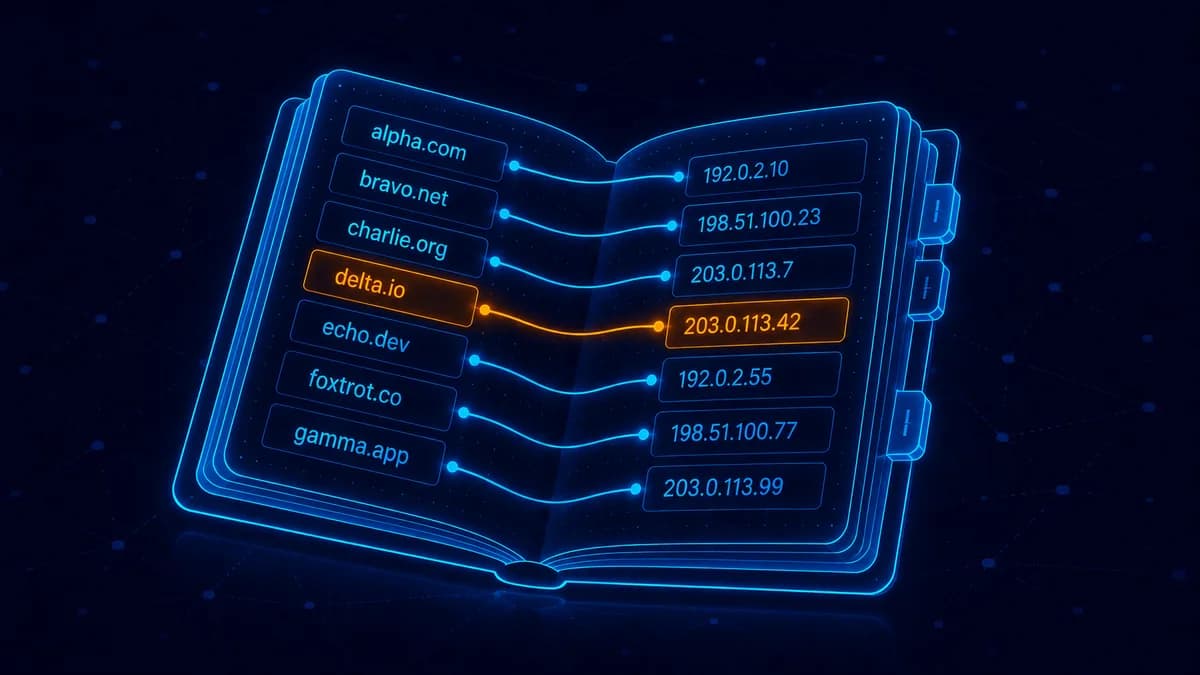
What is DNS? Explained for Non-Technical Founders
DNS is the address book of the internet. Plain-English guide to A records, MX records, nameservers, and what each one does.
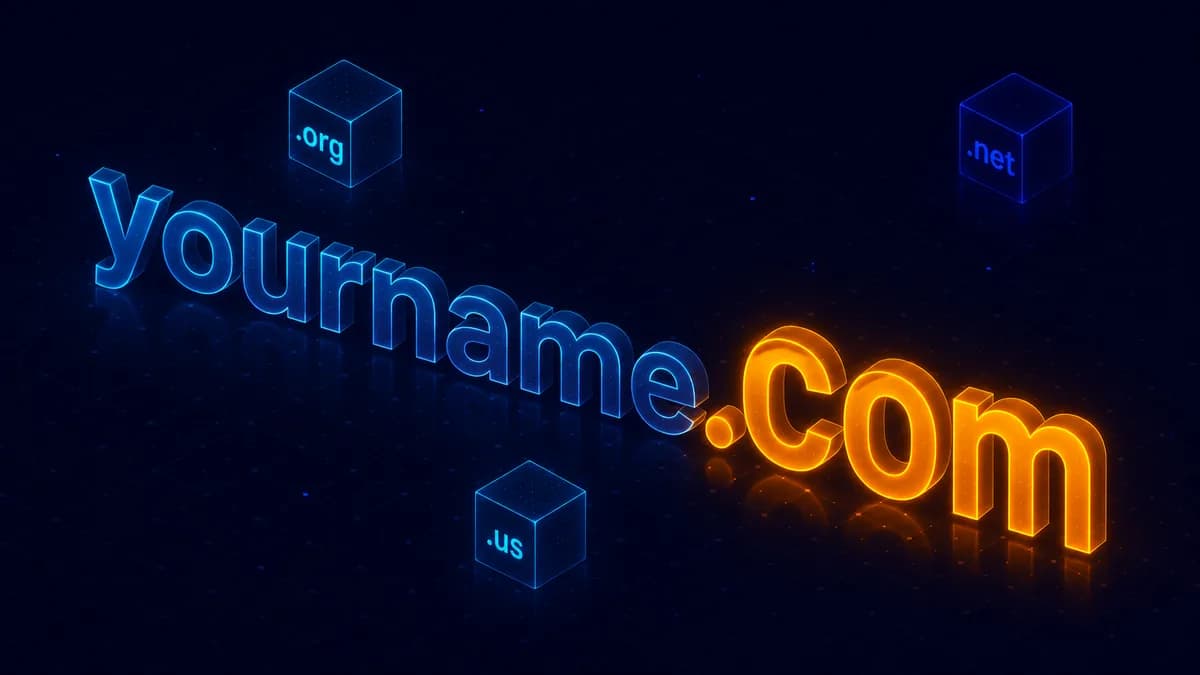
What is a TLD? The Complete Guide for Non-Techies
Every domain ends in a TLD — .com, .org, .net, .us, .io. Here's what they are, how they're regulated, and which to pick.