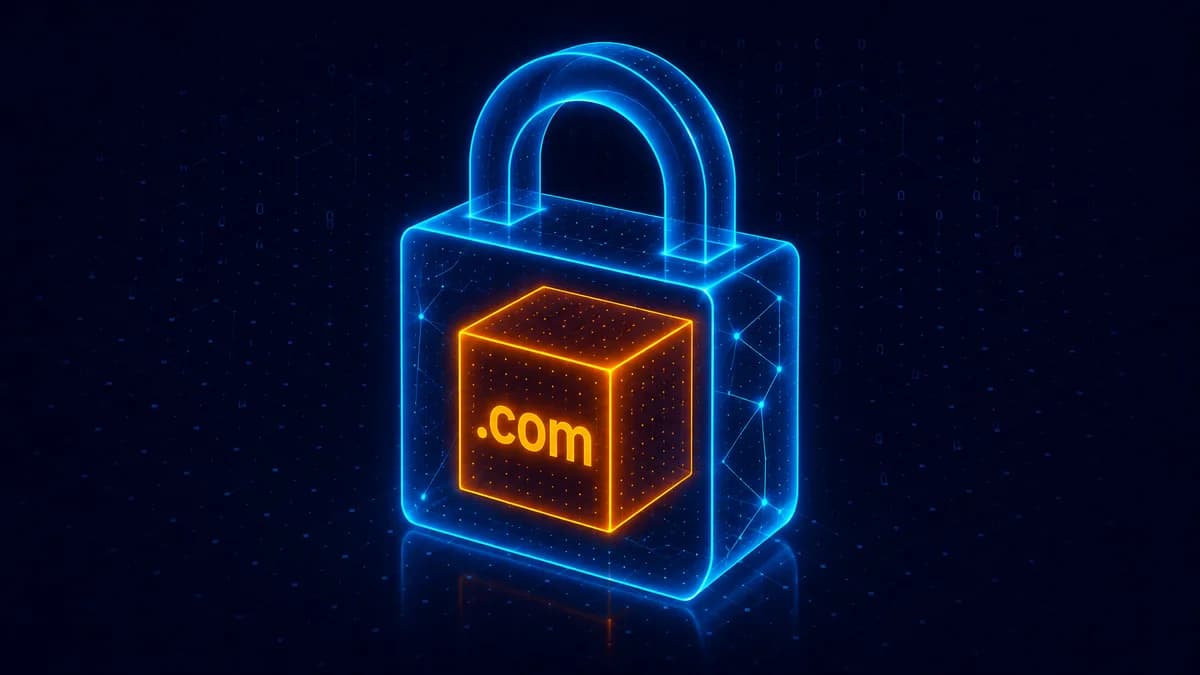
An SSL certificate (technically TLS in 2026 — "SSL" is the legacy name everyone still uses) encrypts the connection between visitors and your website. The lock icon next to the URL in any browser is the visible signal that a site has a valid certificate. Every site needs one in 2026. The good news: 95% of the time it's free and automatic.
What HTTPS / SSL actually does
When you visit https://acme.com:
- Your browser asks Acme's server for its certificate
- Acme's server returns the certificate (signed by a trusted Certificate Authority)
- Your browser verifies the cert is valid for
acme.comand was issued by an authority your browser trusts - Your browser and the server set up an encrypted channel using the cert
- Everything you send (form data, passwords, search queries) and everything Acme sends back is encrypted in transit
Without HTTPS:
- All traffic is plaintext — anyone on your network (coffee shop WiFi, your ISP, your mobile carrier) can read it
- Browsers show "Not Secure" warnings in the address bar
- Modern browsers BLOCK form submissions, downloads, and certain features on non-HTTPS sites
- Google deprioritizes the site in search results
In 2026 there's no good reason for any public-facing site to NOT have HTTPS.
How to get an SSL certificate
Method 1: Let Your Hosting Handle It (almost always)
Modern hosts auto-issue and rotate Let's Encrypt certificates:
- Vercel, Netlify, AWS Amplify, GitHub Pages — automatic, nothing to configure
- Cloudflare (as DNS/CDN) — Universal SSL automatically
- Hostinger, A2 Hosting, BigRock cPanel — "AutoSSL" toggle, on by default
- DigitalOcean App Platform, Render, Fly.io — automatic
If you're on any of these, your domain gets HTTPS within minutes of pointing DNS at the host. Zero work.
Method 2: Let's Encrypt (manual, free)
If you run a custom server (VPS, dedicated hardware), use Let's Encrypt — a free, automated Certificate Authority backed by Mozilla, Google, AWS, and the EFF.
# Ubuntu/Debian — install certbot
sudo apt install certbot

# Issue + auto-install cert (handles nginx config too)
sudo certbot --nginx -d acme.com -d www.acme.com

# Auto-renewal cron is set up automatically
Let's Encrypt certs last 90 days; certbot renews them automatically every 60 days.
Method 3: Paid SSL (almost never necessary)
Paid certificates from authorities like Sectigo, DigiCert, GeoTrust cost $10-$300/year and offer:
- Extended Validation (EV) — the green company-name bar (mostly removed from modern browsers)
- Wildcard certs — covers
*.acme.com(Let's Encrypt does this free since 2018) - Liability warranty — meaningless for non-banking sites
- Faster validation for high-stakes transactions — banking only
- Multi-domain (SAN) certs — included with Cloudflare and Vercel free tiers
For 95% of websites, free is enough. Paid certificates are sales upsells from the cPanel hosting era.
Why your domain is independent of SSL
Important: the certificate is for the SERVER, not the domain. You buy the domain from REXO HOST; you get the certificate from your host (or Let's Encrypt or Cloudflare). The two systems don't overlap.
This is why you should never pay your registrar for SSL — they're not the right party to issue it.
Common SSL gotchas
"My site shows 'Not Secure' even though I have a cert"
Mixed content — your HTML loads over HTTPS but references images/scripts over HTTP. Browser flags it. Update all internal links to use https:// or relative paths.
"My cert expired and the site is broken"
Auto-renewal failed. Run certbot renew (or your host's equivalent). Most modern setups self-heal within 24 hours.
"My subdomain doesn't have HTTPS"
You issued a cert for acme.com but not www.acme.com (or vice versa). Re-issue covering both. Cloudflare/Vercel handle this automatically.
"Cloudflare shows 'Universal SSL — Active' but my site still shows insecure"
Cloudflare's encryption mode might be set to "Off" or "Flexible". Set it to "Full" or "Full (strict)" in Cloudflare → SSL/TLS → Overview.
Frequently asked questions
Do I need SSL for a brochure site nobody logs into?
Yes. Browsers show "Not Secure" warnings on ANY non-HTTPS site, regardless of whether it has forms. Your visitors see the warning and leave. Plus Google ranking penalties.
Does SSL slow down my site?
Marginally — encryption adds a few milliseconds per connection. Modern hardware and HTTP/2 protocol have largely erased the performance gap. Don't worry about it.
Should I worry about cert authorities being trustworthy?
Yes — there have been issues over the years (Symantec was distrusted by browsers in 2018 for sloppy issuance practices). Stick with Let's Encrypt, Sectigo (formerly Comodo), DigiCert, or your hosting provider's default — all reliable.
Can I have multiple SSL certs for one domain?
Yes — common when running different services on subdomains. Each subdomain can have its own cert from its own provider.
What's the difference between SSL and TLS?
SSL is the original protocol (deprecated 2015). TLS is the modern replacement (TLS 1.2 / TLS 1.3 in 2026). Everyone still calls them "SSL certs" out of habit, but technically they're TLS certs.
Get a domain that works with any SSL setup
Search at REXO HOST — register the domain, point at any host, get free SSL automatically. We don't sell SSL because you don't need to buy it.
Keep reading
What is Domain Squatting? How to Protect Your Brand
The different types of squatting (cyber, typo, brand-jacking), real-world examples, and your legal options if it happens to you.
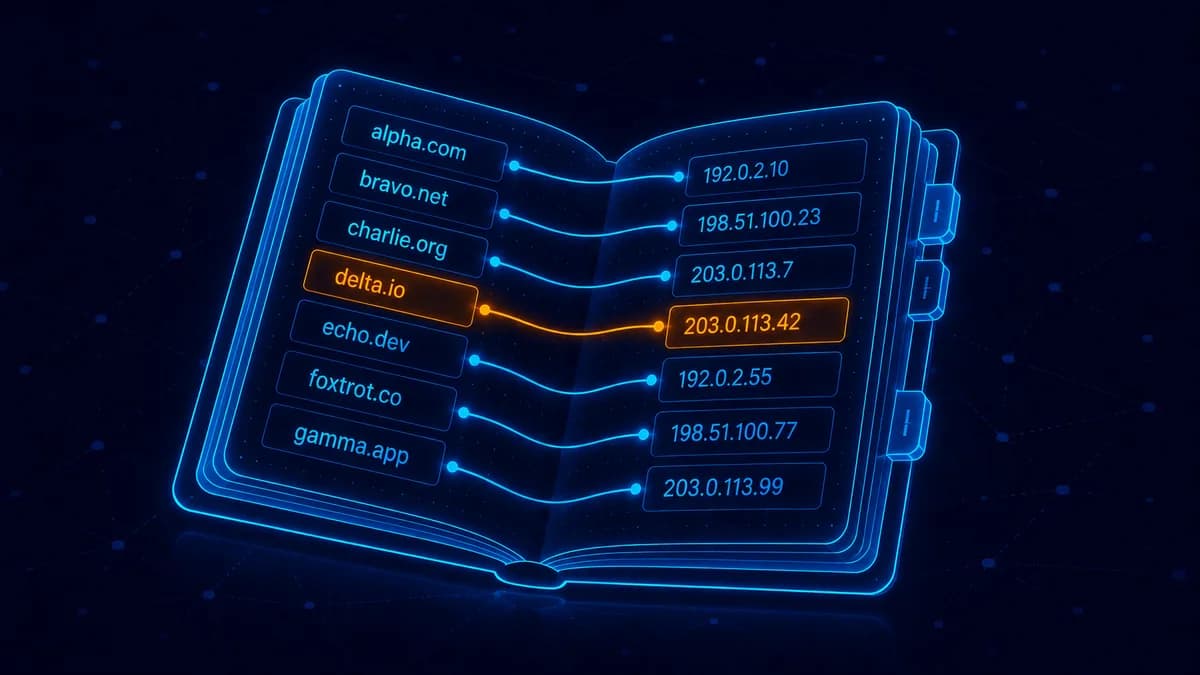
What is DNS? Explained for Non-Technical Founders
DNS is the address book of the internet. Plain-English guide to A records, MX records, nameservers, and what each one does.
What is WHOIS Privacy and Do You Need It?
What WHOIS is, what gets exposed when you register a domain, and why privacy is essential for individuals.